Binary Code Translator: Convert Text to Binary Explained
Complete guide to binary code including how computers use it, the ASCII table, text to binary conversion examples, binary to decimal conversion, and a comparison between binary and Morse code.
Written and reviewed by
Morse Code Translator TeamOur editorial team researches, writes, and reviews content to provide clear and accurate information about Morse code, communication standards, learning methods, and related topics.
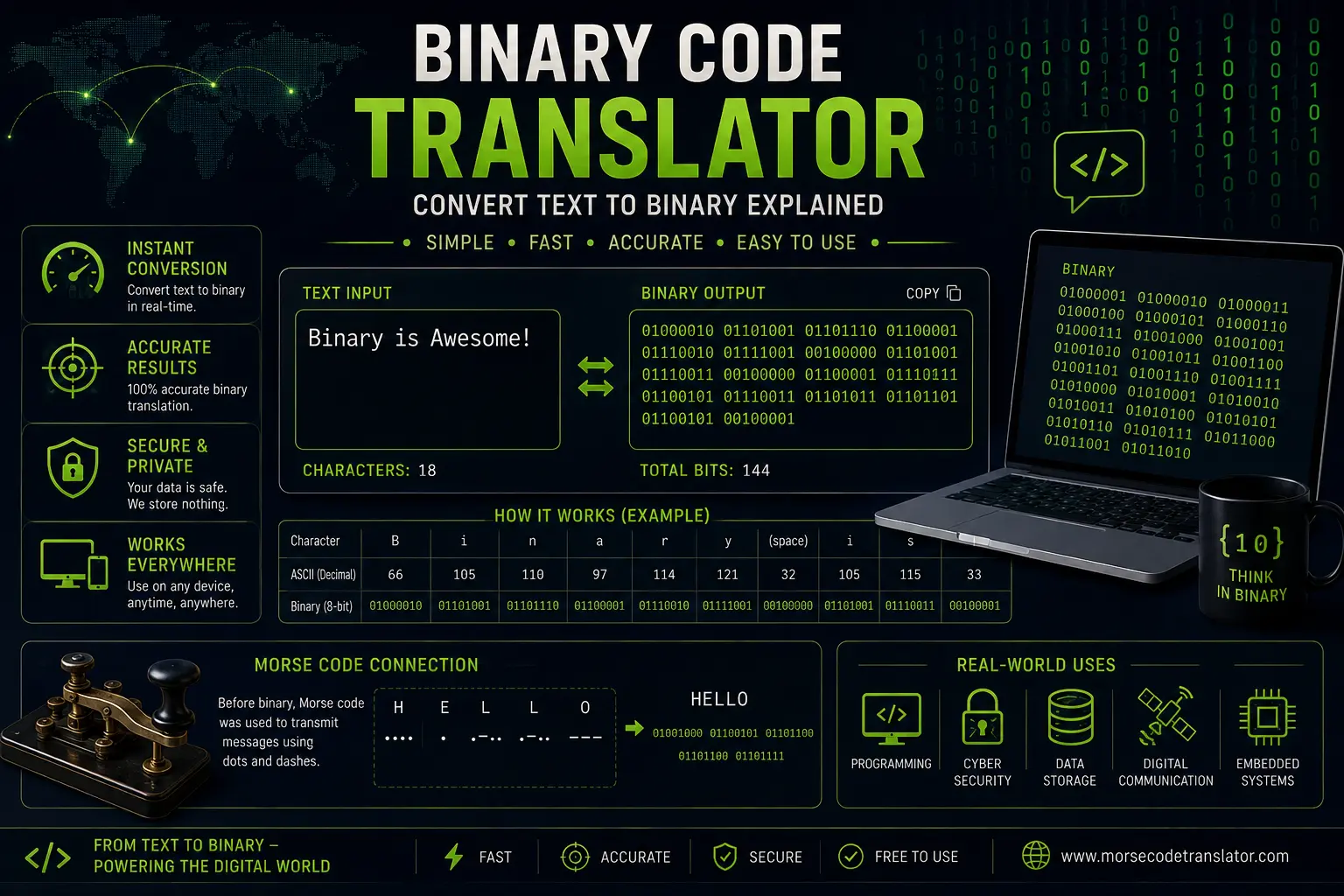
Binary code is the fundamental language of all computers and digital devices. Every image you see, every video you watch, every word you type is ultimately represented as sequences of zeros and ones inside your computer. If you want to compare that two-state system with Morse code, see our Morse Code History Guide. In this comprehensive guide, we explain how binary code works, how to convert text to binary and back, and explore the fascinating relationship between binary code and Morse code.
What is Binary Code?
Binary code is a base-2 number system that uses only two digits: 0 and 1. In the context of computing, each 0 or 1 is called a “bit” (short for “binary digit”). Bits are the smallest unit of data in computing, and all digital information is built from combinations of these two simple values.
The concept is remarkably similar to Morse code. Where Morse code uses dots and dashes (two states) to represent letters and numbers, binary code uses 0s and 1s (also two states) to represent everything in the digital world. For the complete Morse character reference, see our Morse Code Alphabet Chart. Both systems demonstrate the power of binary encoding — representing complex information using just two fundamental units.
How Computers Use Binary
Computers use binary because digital electronic circuits have two natural states:
- Voltage on / voltage off: A transistor can be switched on (representing 1) or off (representing 0)
- High voltage / low voltage: A wire carrying a signal above a threshold is “1”; below it is “0”
- Magnetized / not magnetized: On a hard drive, magnetic regions represent 1s and 0s
- Pit / land: On optical discs (CDs, DVDs), microscopic pits and flat surfaces encode binary data
This binary nature is not a design choice — it is a physical reality of how electronic circuits work. Binary is the most reliable way to represent data in hardware because there is no ambiguity: a signal is either on or off, with a clear threshold between the two states. In contrast, a system with three or more states would require more precise circuitry and would be more prone to errors.
Bytes and Larger Units
While a single bit can represent only two values (0 or 1), multiple bits are combined to represent larger amounts of information:
- 1 bit: 2 possible values (0, 1)
- 4 bits (nibble): 16 possible values
- 8 bits (byte): 256 possible values — this is the standard unit for representing a single character
- 16 bits (2 bytes): 65,536 possible values
- 32 bits (4 bytes): 4,294,967,296 possible values
- 64 bits (8 bytes): 18,446,744,073,709,551,616 possible values
Modern computers typically use 64-bit architecture, meaning they process data in chunks of 64 bits at a time.
ASCII: How Text Becomes Binary
The most widely used system for converting text to binary is ASCII (American Standard Code for Information Interchange). Developed in the 1960s, ASCII assigns a unique numerical value to each character, which is then converted to binary.
Common ASCII Values
Here are the ASCII values and binary representations for common characters:
| Character | ASCII (Decimal) | Binary (8-bit) |
|---|---|---|
| A | 65 | 01000001 |
| B | 66 | 01000010 |
| C | 67 | 01000011 |
| a | 97 | 01100001 |
| b | 98 | 01100010 |
| 0 | 48 | 00110000 |
| 1 | 49 | 00110001 |
| Space | 32 | 00100000 |
| ! | 33 | 00100001 |
| . | 46 | 00101110 |
| ? | 63 | 00111111 |
How ASCII Encoding Works
To convert a letter to binary:
- 1Find the ASCII decimal value for the character
- 2Convert the decimal number to binary using division by 2
- 3Pad with leading zeros to make an 8-bit byte
For example, to convert the letter “H”:
- 1H has an ASCII value of 72
- 272 in binary: 72 ÷ 2 = 36 remainder 0, 36 ÷ 2 = 18 remainder 0, 18 ÷ 2 = 9 remainder 0, 9 ÷ 2 = 4 remainder 1, 4 ÷ 2 = 2 remainder 0, 2 ÷ 2 = 1 remainder 0, 1 ÷ 2 = 0 remainder 1
- 3Reading remainders bottom to top: 1001000
- 4Padded to 8 bits: 01001000
So “H” in binary is 01001000.
Text to Binary: Practical Examples
Let us convert some common words to binary:
"HI"
- H = 01001000
- I = 01001001
HI in binary: 01001000 01001001
"OK"
- O = 01001111
- K = 01001011
OK in binary: 01001111 01001011
"SOS"
- S = 01010011
- O = 01001111
- S = 01010011
SOS in binary: 01010011 01001111 01010011
"HELLO"
- H = 01001000
- E = 01000101
- L = 01001100
- L = 01001100
- O = 01001111
HELLO in binary: 01001000 01000101 01001100 01001100 01001111
Binary to Decimal Conversion
Converting binary back to decimal is straightforward. Each bit position represents a power of 2, starting from the right:
| Position (from right) | 7 | 6 | 5 | 4 | 3 | 2 | 1 | 0 |
|---|---|---|---|---|---|---|---|---|
| Power of 2 | 128 | 64 | 32 | 16 | 8 | 4 | 2 | 1 |
To convert binary to decimal, multiply each bit by its corresponding power of 2 and add the results.
Example: Convert 01001000 to decimal
- Bit 7 (128): 0 × 128 = 0
- Bit 6 (64): 1 × 64 = 64
- Bit 5 (32): 0 × 32 = 0
- Bit 4 (16): 0 × 16 = 0
- Bit 3 (8): 1 × 8 = 8
- Bit 2 (4): 0 × 4 = 0
- Bit 1 (2): 0 × 2 = 0
- Bit 0 (1): 0 × 1 = 0
Total: 64 + 8 = 72 — which is the ASCII value for “H”.
Unicode and Modern Text Encoding
While ASCII is limited to 128 characters (enough for basic English), modern computing requires support for thousands of characters from all the world's languages. Unicode was developed to address this limitation.
Unicode assigns a unique number (code point) to over 149,000 characters across scripts and symbol sets. UTF-8, the most widely used Unicode encoding, uses between 1 and 4 bytes per character, with ASCII characters using a single byte (maintaining backward compatibility).
For basic English text, ASCII and UTF-8 produce identical binary output. The differences appear when encoding non-ASCII characters like accented letters, Chinese characters, emoji, or mathematical symbols.
Morse Code vs Binary Code: Key Comparisons
Morse code and binary code share a fundamental principle — both encode information using just two states. However, they differ in important ways:
Similarities
- Binary encoding: Both use two fundamental units (dot/dash vs. 0/1)
- Variable-length encoding: Morse code uses variable-length codes (E is one dot, Q is four elements), similar to variable-length encoding schemes in computing like Huffman coding
- Efficiency optimization: Both systems optimize for commonly used elements — Morse code gives short codes to common letters; binary uses encoding schemes optimized for the specific data
- Digital communication: Both were fundamental to the development of digital communication
Differences
- Transmission medium: Morse code is designed for human perception (auditory, visual, tactile); binary is designed for machine processing
- Speed: Binary operates at billions of bits per second in modern computers; Morse code typically operates at 5-30 words per minute for human operators
- Scope: Binary can represent any digital data (text, images, video, audio); Morse code is limited to text characters and procedural signals
- Error handling: Modern binary communication includes sophisticated error detection and correction (CRC, parity bits, etc.); Morse code relies on the operator's judgment for error detection
- Evolution: Binary code has evolved into complex encoding schemes (UTF-8, MP3, JPEG, etc.); Morse code has remained essentially unchanged since its standardization in 1865
Practical Uses of Binary Knowledge
Understanding binary is valuable for:
- Computer science fundamentals: Binary is foundational knowledge for programming, networking, and systems engineering
- Debugging: Low-level debugging often involves examining raw binary data
- Cryptography: Encryption algorithms work at the binary level
- Data compression: Compression algorithms optimize binary representations
- Hardware design: Digital circuit design requires binary logic understanding
The connection between Morse code and binary code runs deep. Both demonstrate that two simple states, properly organized, can convey infinite complexity. Samuel Morse and Alfred Vail were, in essence, the first digital communication engineers.
To learn Morse code itself, try our 7-Step Guide.
Keep Learning
Related Articles
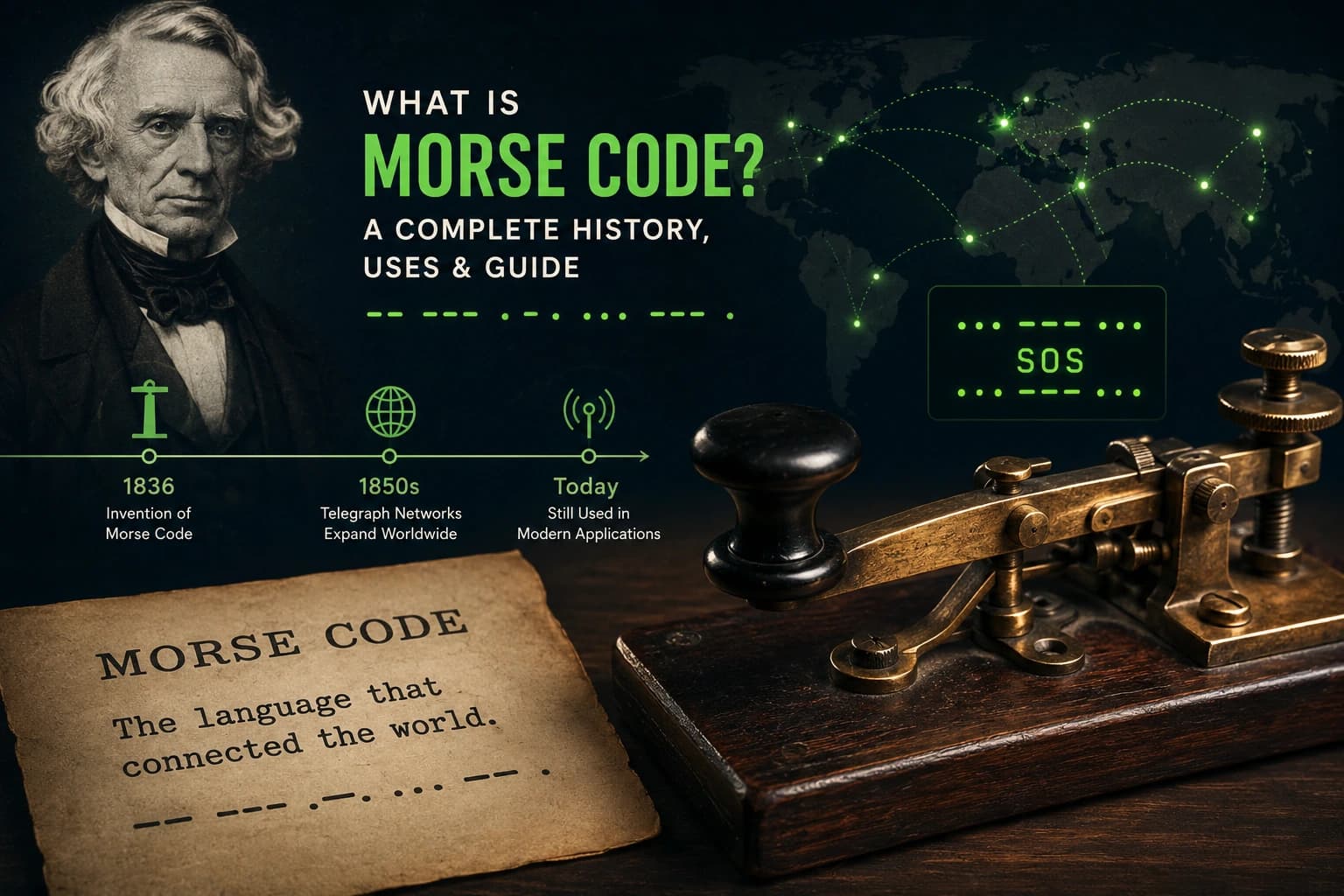
What is Morse Code? Complete History & Guide (2025)
Discover the fascinating history of Morse code from Samuel Morse's invention in 1836 to modern-day applications in emergency signaling, amateur radio, and assistive technology. A complete guide for 2025.
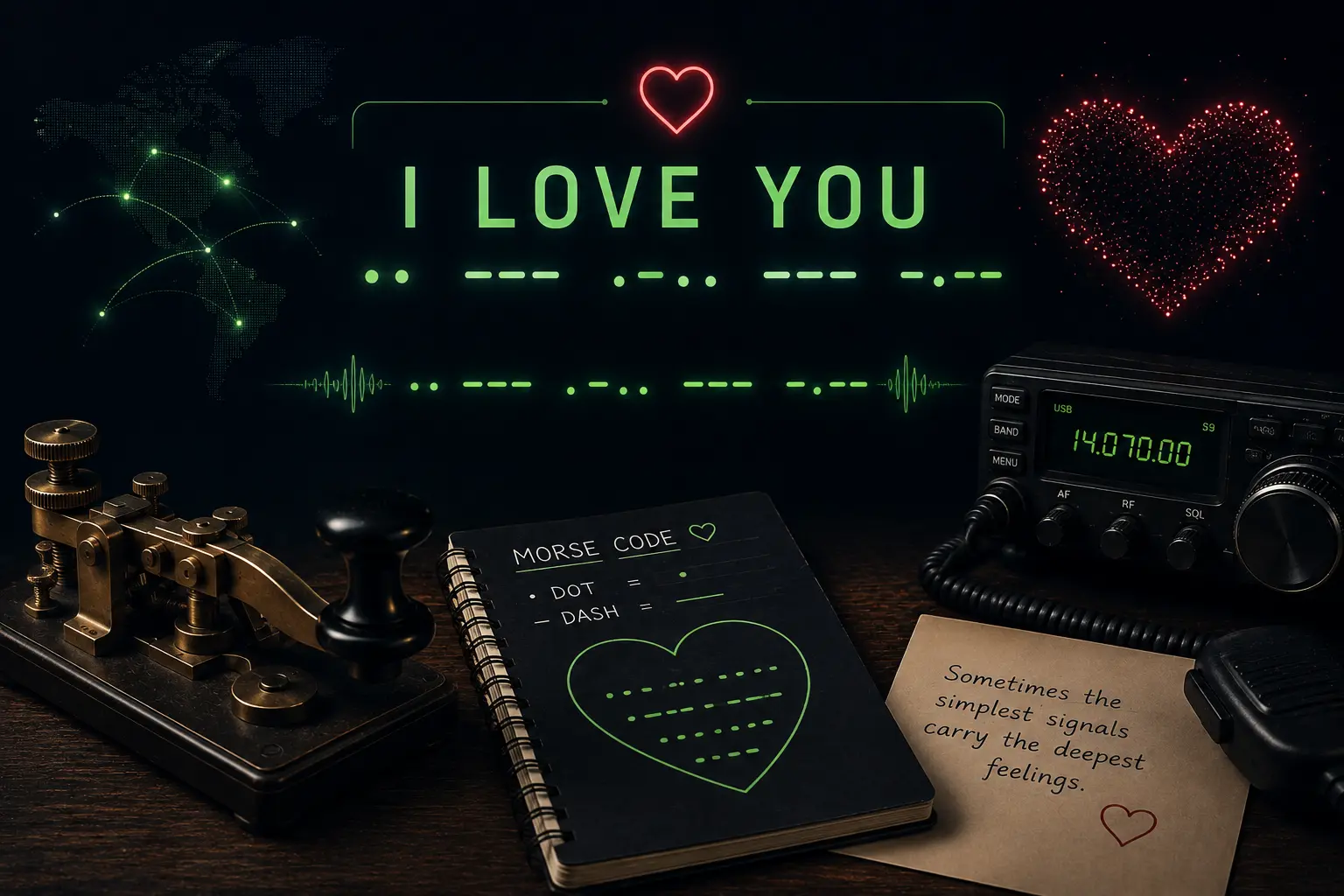
I Love You in Morse Code: Complete Translation Guide
Full breakdown of I LOVE YOU in Morse code with each letter explained, creative uses including bracelets and tattoos, the morse code jewelry trend, and romantic gift ideas.
SOS Signal in Morse Code: Complete Emergency Guide
Complete guide to the SOS distress signal including its history, what SOS means, the Titanic story, how to signal SOS with light and sound, and modern emergency alternatives.