How to Use a Morse Code Translator: A Beginner's Guide
Learn to use a Morse code translator step by step: text to Morse, Morse to text, spacing rules, and 5 accuracy tips.
Published by
Morse Code Translator TeamThis article is published by the Morse Code Translator team. Technical and historical claims should be checked against the references linked in the article; see our editorial policy for how content is maintained.
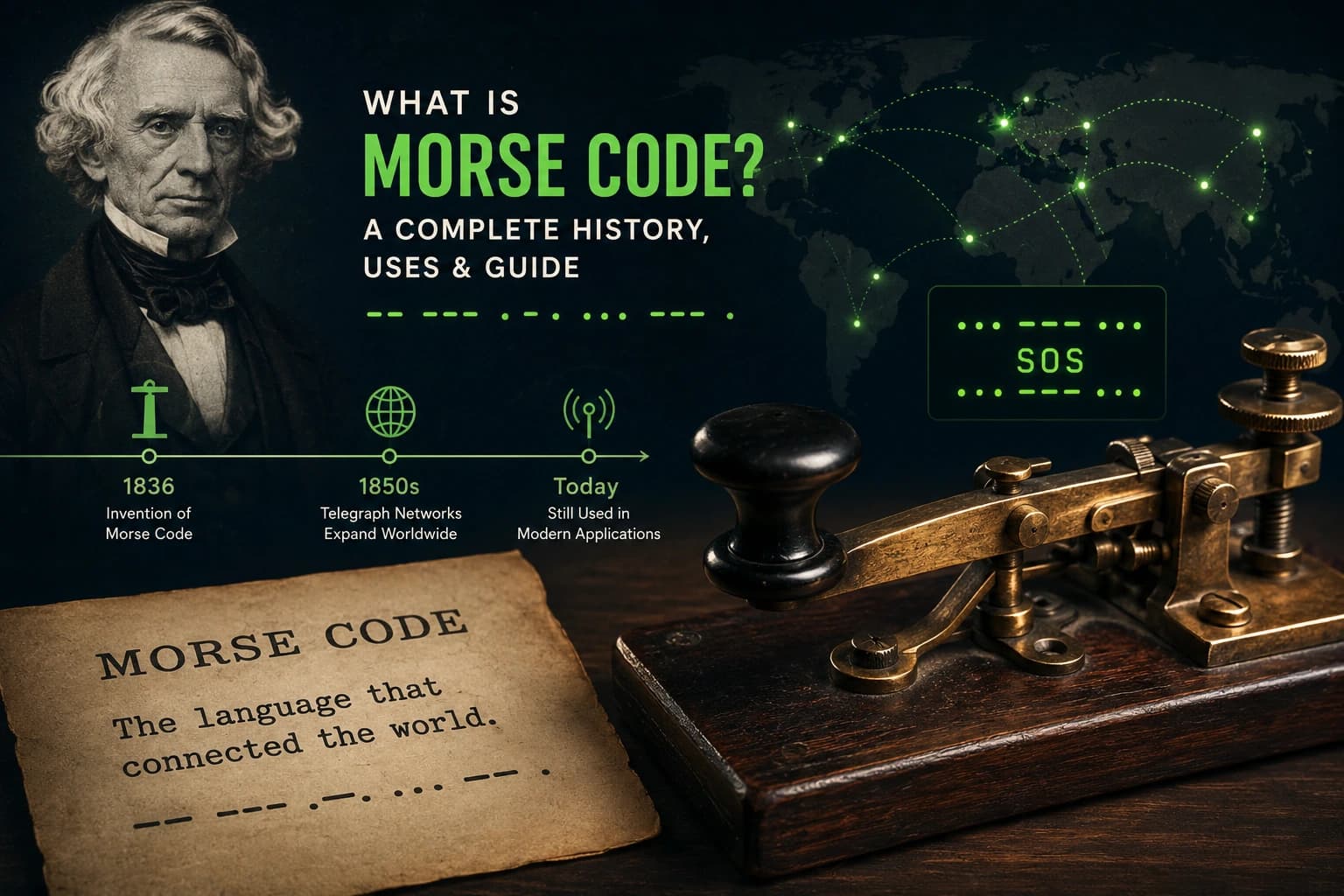
A Morse code translator converts ordinary text into dots and dashes, and dots and dashes back into text. It is the fastest way to check your work while learning, to encode a fun message, or to decode a pattern you found somewhere. This guide walks you through using one correctly, reading its output, and avoiding the mistakes beginners make most.
Text to Morse Code: How It Works
Type or paste any English text into the translator's input box and it instantly converts each letter, number, and punctuation mark into International Morse code. For example, typing SOS produces ... --- ..., and typing HELLO produces .... . .-.. .-.. ---.
Most translators, including ours, work in real time: every keystroke updates the Morse output immediately. If your translator also plays audio, use the sound feature early and often. Morse code was designed to be heard, and training your ear from day one makes everything else easier.
Morse Code to Text: Decoding a Message
Decoding works in reverse. Paste or type a Morse pattern using dots and dashes, and the translator converts it back to readable text. The key detail is spacing: the translator needs to know where one letter ends and the next begins.
Standard translators expect:
| Separator | Meaning | Example |
|---|---|---|
| Single space | Separates letters | .... .. = HI |
/ or double space | Separates words | .... .. / .... . = HI HE |
Three dots ... | The letter S | Not a separator |
If you paste .... .. without a space, most translators cannot tell whether you mean H (..) plus I (..) or something else entirely. Clean spacing in means clean text out.
Reading the Output: What the Symbols Mean
A typical translation looks like this:
GOOD MORNING becomes --. --- --- -.. / -- --- .-. -. .. -. --.
Here is how to read it:
- Each group of dots and dashes separated by a space is one letter.
- The / symbol marks a word boundary.
- Dots are short signals, dashes are signals three times longer.
When you are ready to go beyond the tool, the Morse Code Alphabet chart shows every character, and the timing guide explains the exact spacing rules professionals use.
5 Tips for Accurate Translations
1. Stick to supported characters. International Morse code covers A-Z, 0-9, and common punctuation. Emojis and special symbols have no standard Morse equivalent, so a good translator will skip or flag them.
2. Check your spacing on decode. If the decoded text looks wrong, the input spacing is almost always the cause. Add clear letter spaces and / word separators, then try again.
3. Use audio to verify. After translating, play the audio and compare its rhythm against the written pattern. Your ear catches errors your eyes miss.
4. Translate short chunks first. Long paragraphs are harder to verify. Translate sentence by sentence when accuracy matters, such as for engravings or tattoos.
5. Cross-check important messages. For anything permanent, verify the output against the alphabet chart letter by letter. It takes two minutes and prevents embarrassing mistakes.
Common Mistakes to Avoid
The most common error is treating the translator's output as decoration without understanding the spacing. Copying .... .. as ...... merges two letters into an unreadable blob. The second most common error is mixing Morse with binary or tap codes, which are entirely different systems.
Finally, remember that a translator is a learning aid, not a replacement for practice. Use it to check yourself, then try the Morse Code learning guide for a structured path from your first dot to fluent copying. Within a few weeks of short daily sessions, you will need the translator less and less, which is exactly the point.
Frequently Asked Questions
Is this Morse code translator free to use?
Yes. The translator is completely free with no sign-up, no download, and no usage limits. You can convert text to Morse code and Morse code back to text as often as you like, right in your browser.
How accurate is the translator?
The translator follows International Morse Code conventions (ITU-R M.1677) for letters, numbers, and common punctuation. As long as you enter text with standard characters, the output matches the official chart exactly.
Can I translate Morse code back into text?
Yes. Paste Morse code made of dots and dashes into the translator, using a space between letters and a slash or wider gap between words. The tool decodes it back into readable text instantly.
Does the translator work on mobile phones?
Yes. It runs entirely in the browser, so it works on phones, tablets, and computers with no app to install. You can also copy the output or play the audio directly on your device.
Keep Learning
Related Articles
The Titanic's Morse Code Distress Calls: What Happened
The true story of the Titanic's wireless room: Phillips and Bride, the CQD and SOS calls in Morse code, and how the disaster changed radio law.
Morse Code for Kids: 7 Fun Ways to Learn Dots and Dashes
Make Morse code fun for kids with 7 hands-on activities: flashlight messages, secret notes, bead bracelets, and scavenger hunts that teach real code.
Ham Radio CW: Getting Started with Morse Code
New to ham radio CW? Learn what continuous wave is, why Morse code still thrives, the Koch learning method, and how to make your first contact.